


U4GM What to Know About Build Planner Path of Exile 2
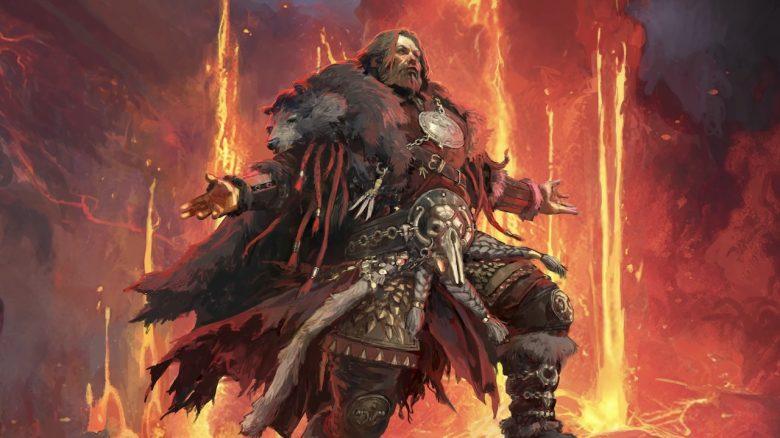
Path of Exile 2's Return of the Ancients 0.5.0 update gave PC players something they've wanted for ages: a build plan that actually lives inside the game. Instead of bouncing between a browser guide, a passive tree screenshot, and your stash full of PoE2 Items, you can now load a supported build file and let the client show the route on the Passive Skill Tree. It doesn't play the build for you, of course. You'll still make gear choices, fix resists, and swap gems when the campaign gets ugly. But the blue pathing makes the whole process feel less like homework, especially when you're levelling a fresh character and don't want to misclick your way into a refund problem.
Where the build file goes
The system works through local build files exported from supported planners, with Maxroll's PoE2Planner being the clearest example right now. In a Maxroll guide, you open the planner section and use "Export Build Planner (GGG)" to download the file for in-game use. Don't confuse that with "Import Build Planner (GGG)", which is for bringing an existing file back into the web planner. On Windows, the file needs to sit in Documents > My Games > Path of Exile 2 > BuildPlanner. Not Downloads. Not a random desktop folder. And, based on current guidance, not tucked inside extra subfolders either. If the BuildPlanner folder isn't there, players have reported success by creating it manually, though that's more community advice than official documentation.
How it appears in the game
Once the file is in the right place, start the game, enter your character, and open the Passive Skill Tree. There's a blue Build Planner icon near the top-left of the tree interface. Click it, pick the file, and the tree should light up with bright blue guidance lines. That's the bit most players will notice first. It shows the intended passive route, which is handy when a guide turns at an awkward fork and you're not sure which cluster comes first. The planner can also carry more than tree data. Properly made files may include item notes, stat priorities, gem setups, support gem reminders, and progression steps that appear only after a set minimum level.
Why creator setup matters
A good build file isn't just a final tree dumped into the client. Build creators need to set level gates for gear, gems, and variants, otherwise a level one character might get flooded with late-game instructions. That's not useful. Nobody needs pinnacle boss gear notes while they're still scraping through the campaign with a half-decent weapon. Maxroll's export tools let creators manage variants, hide some of them, and shape what the player sees as they level. When it's done well, the planner feels calm. Early campaign info shows early. Mapping and endgame details show later. It's a small thing, but it saves a lot of second-guessing.
Platform limits and small catches
There are a few rough edges. Console players don't currently get Build Planner code support, so PlayStation and Xbox users can't import these local files into the same in-game system. Steam Deck users can make it work, but they'll need Desktop Mode and access to the Proton folder, and the reported folder naming isn't as firmly confirmed as the Windows path. If a file doesn't show up, check the folder first, then check whether it's the proper GGG export. For players planning trades, crafting, or upgrades, the planner's gear notes pair well with outside market checks, and some may still choose to buy cheap Path of Exile2 Items when they want to test a build faster, but the real win here is simple: fewer tabs, fewer mistakes, and a clearer path through Wraeclast.

 English
 Arabic
 French
 Spanish
 Portuguese
 Deutsch
 Turkish
 Dutch
Dutch
 Russian
 Romaian
 Portuguese (Brazil)
 Greek
Greek
