


Activity Monitor WindowServer: What Is WindowServer on Mac?
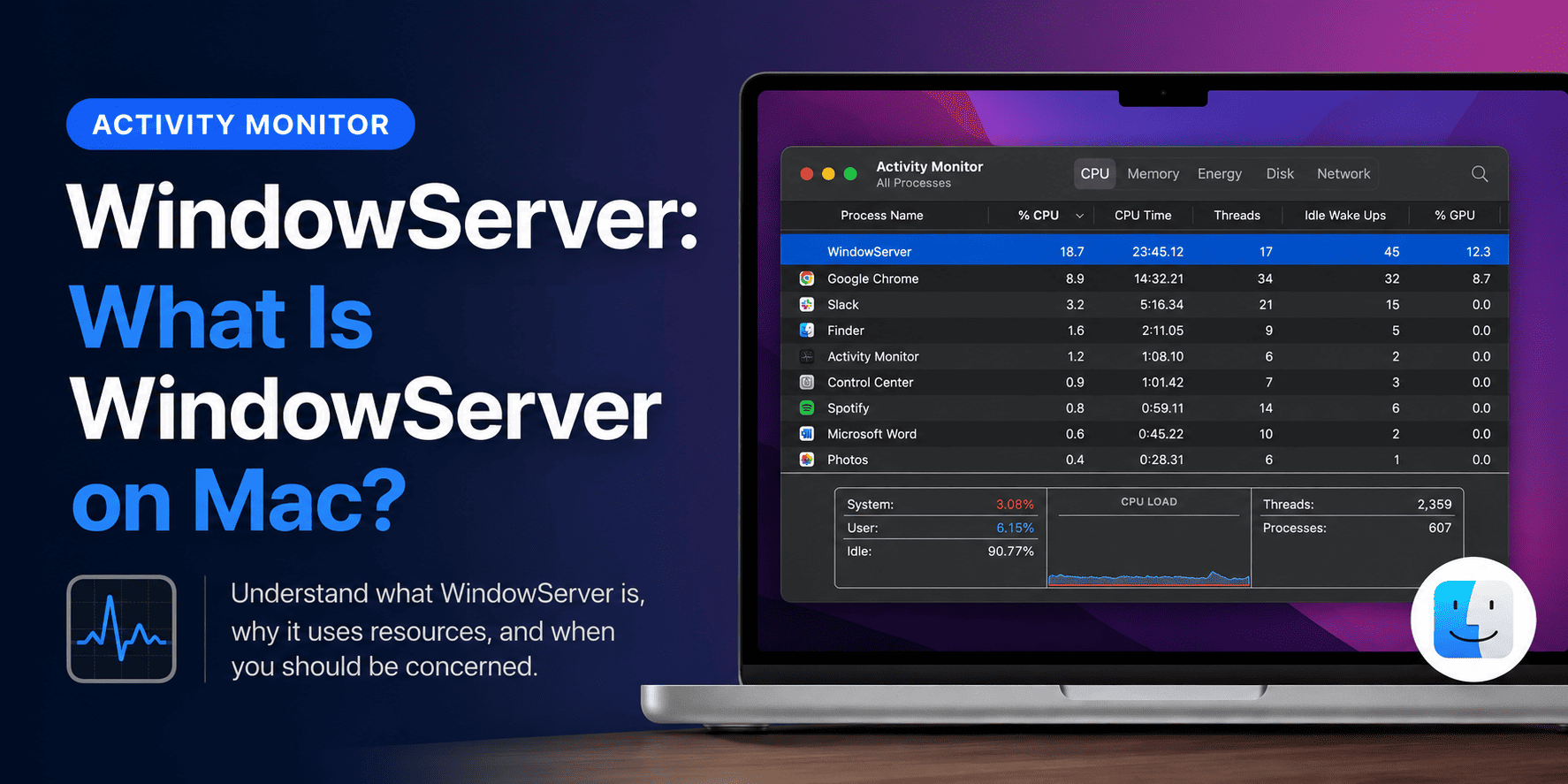
If you are someone using a Mac, you might have come across the Activity Monitor, which has the same functions as a Task Manager on Windows. Well, the Activity Monitor also has a feature known as WindowServer, and there are many Mac users who do not know what this particular feature is. So, if you are also interested in learning what is Window server on Mac, then this article will make sure that you have the answers to all your queries.
What is the WindowServer on Activity Monitor?
WindowServer is basically the operating system process on Mac that handles the whole “show” part of what you see, from app windows to those icons and even the websites. The moment you stack up more windows at once, WindowServer has to work harder, so it tends to ask for more CPU power.
Because most graphical bits are refreshed again and again, they keep demanding CPU cycles just to stay fluid and not look choppy. So anytime you drag a window around, tweak an image in Photoshop, or bounce between Safari tabs, WindowServer has to redraw what’s on the screen.
How to fix WindowServer high CPU usage?
Okay, now that you have a clearer idea of what WindowServer Mac is, here’s how you can deal with the high CPU situation. This should apply across the board, for MacBook Air, MacBook Pro, and iMac, all the same.
If you’ve got a lot of apps open, especially ones quietly running in the background, they can raise RAM usage, and then yes, they end up stealing CPU resources too. No matter which Mac model you’re on, WindowServer still has to “allocate” CPU time to those unnecessary processes. So to reduce the load, close anything you don’t actually need right now, including browser tabs that you’re not using.
In some cases, a straightforward reboot gives macOS a new beginning, and that can iron out small software oddities. It can also calm down the high CPU usage that’s tied to the macOS WindowServer issue.
This is the basic information that assists you in clearing space on the Activity Monitor WindowServer. You can also refer to the website Datarecovee to learn more about the functions and features of WindowServer.

 English
 Arabic
 French
 Spanish
 Portuguese
 Turkish
 Dutch
Dutch
 Italiano
 Russian
 Romaian
 Portuguese (Brazil)
 Greek
Greek
